Make digital logic visible.
Cirquanta is a native circuit simulator for iPhone and iPad. Drop in gates, wire them together, and watch every logical signal react in real time — right on your device.
On the App Store and Google Play · works fully offline
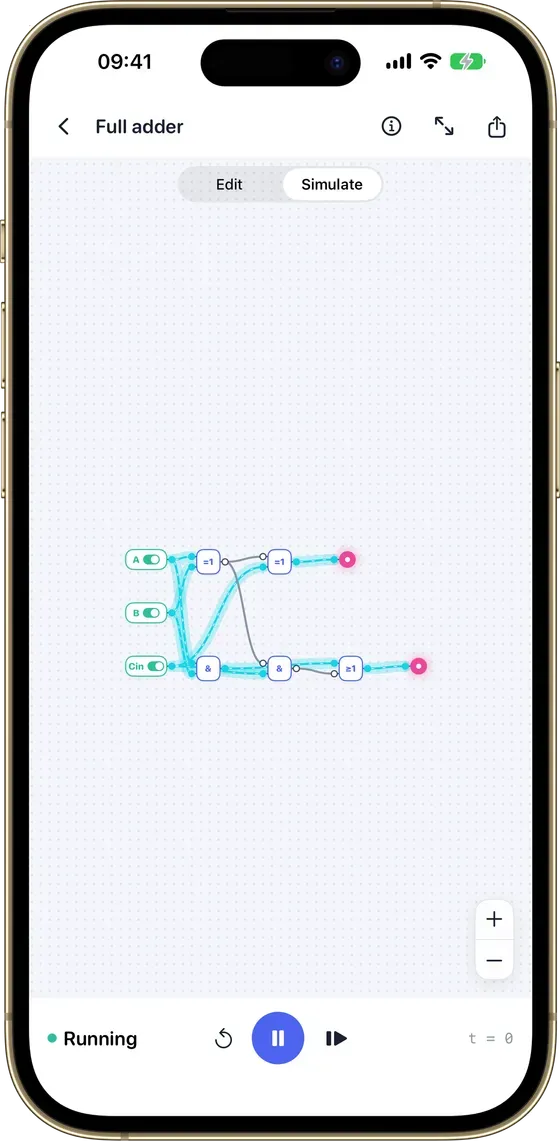
- 60+ components
- Four-state 0/1/X/Z
- Local-first
- No account
- Private iCloud sync
- Works offline
- iPhone & iPad
A precise workspace, not a toy.
Build clear schematics, your way.
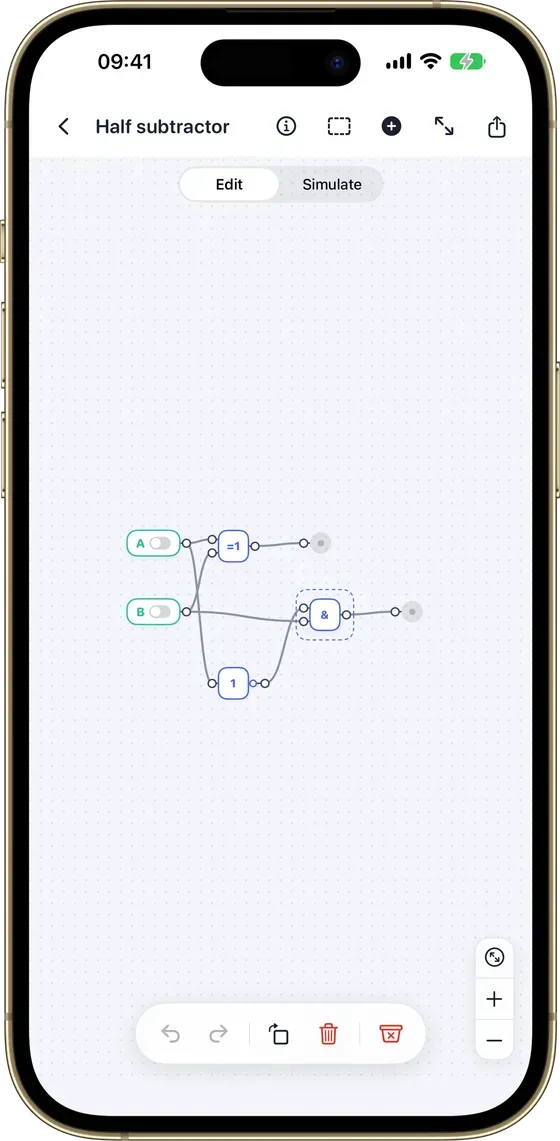
Choose from an organized library of 60+ components and place them straight onto the canvas. Move, wire, rotate, duplicate, and configure elements — with undo and redo at every step.
- 60+ components in an organized library
- Buses, annotations, zoom & full screen
- Curved or right-angle wires
Watch the current flow.
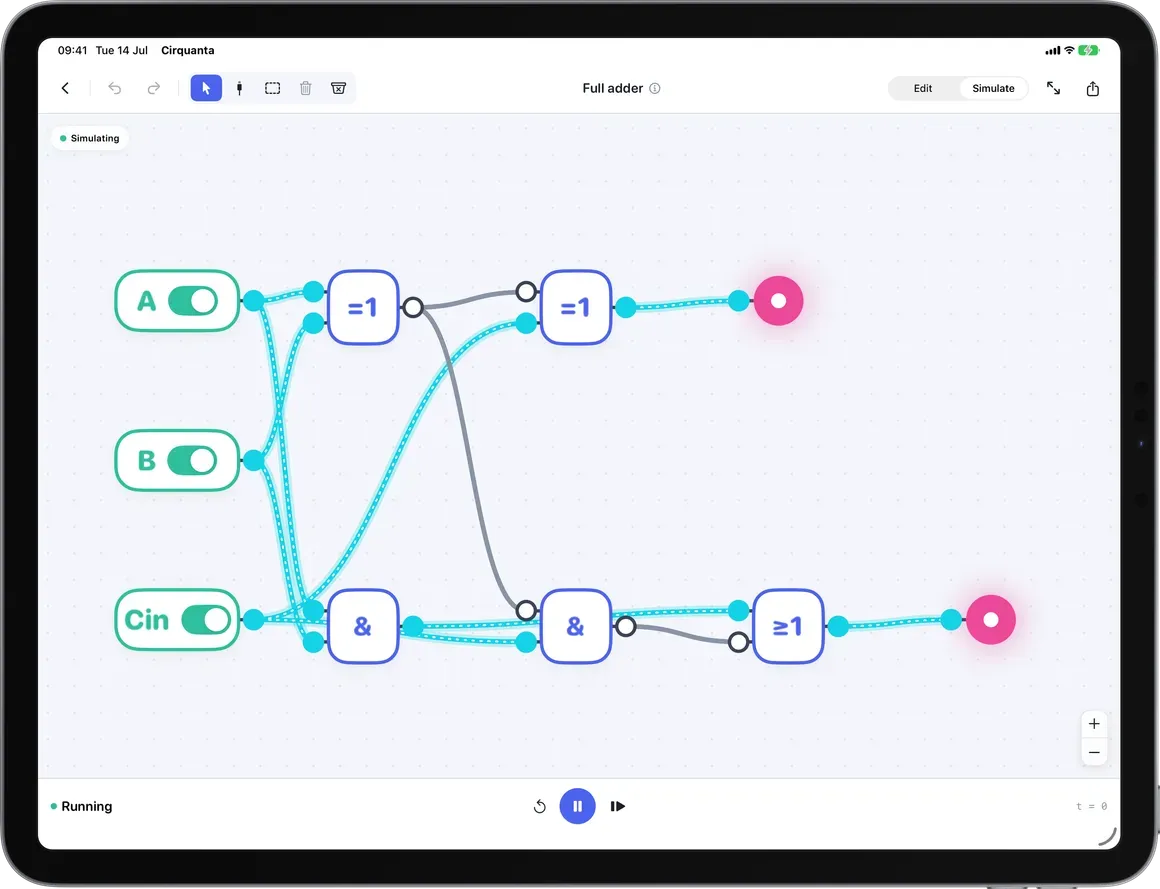
Toggle switches and inputs directly on your circuit and follow color-coded signals as they propagate. Run, pause, advance step by step, or reset — with deterministic four-state logic.
- Run, pause, step, or reset
- Deterministic four states: 0, 1, X, Z
- Color-coded live signals
AND, OR, NOT — and far beyond.
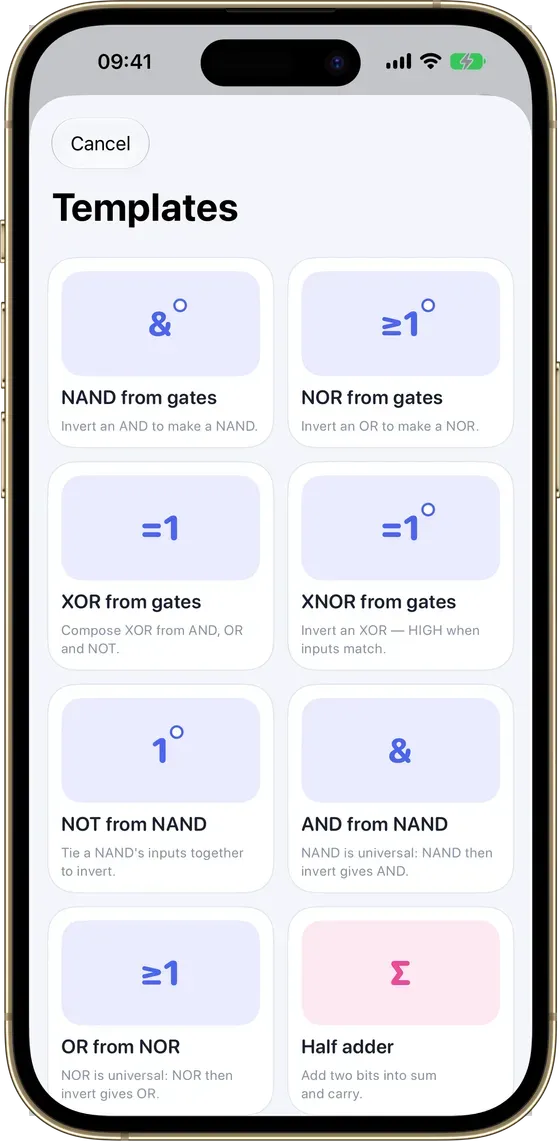
Start with AND, OR, NOT, NAND, NOR, XOR, and XNOR gates. Then explore multiplexers, decoders, encoders, adders, latches, D/JK/T flip-flops, registers, counters, buses, clocks, LEDs, probes, and displays.
- Combinational & sequential parts
- Adders, flip-flops, registers, counters
- Scalar wires and multi-bit buses
Your circuits, on every device.
Start from a blank canvas or a built-in example. Search, sort, favorite, and archive your circuits. Automatic local saving keeps you working offline; private iCloud sync keeps iPhone and iPad in step.
- Automatic local saving, fully offline
- Private iCloud sync across your devices
- Export portable .logiqo backups
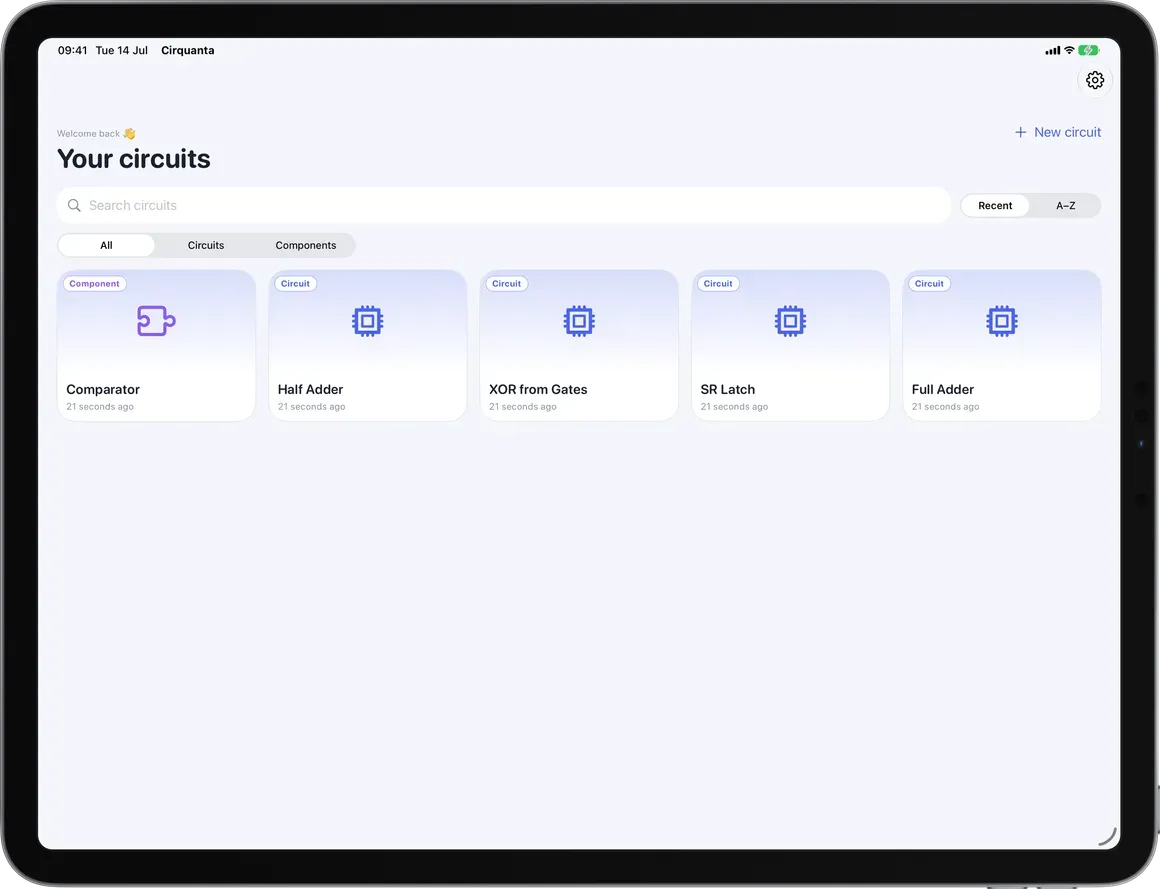
A canvas that fits every screen.
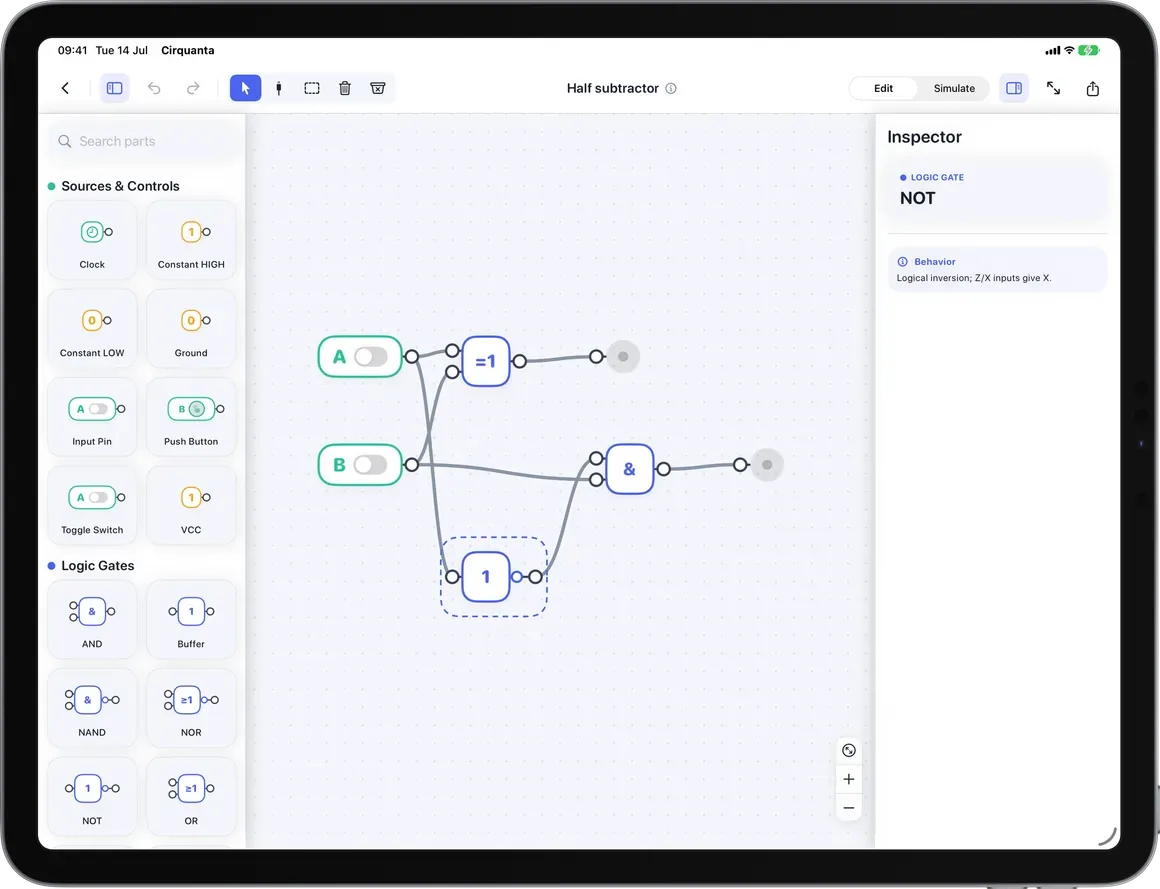
Understand digital logic by seeing it work.
Textbook truth tables stay abstract until something clicks.
Wire a real circuit and watch each signal light up as you toggle inputs.
Desktop EDA tools are heavy, online, and overkill for learning.
A focused native app for iPhone and iPad that works anywhere, offline.
Your projects get trapped in one place or one account.
Local-first storage, private iCloud sync, and portable .logiqo exports.
One app, everything included.
Cirquanta runs entirely on your device. Try it for free, then unlock the full app once — every future update is included.
Explore the app before you commit.
See the price on the App Store · varies by country
- 60+ components, gates to flip-flops
- Real-time four-state simulation
- Automatic local saving, fully offline
- Private iCloud sync across devices
- Portable .logiqo import & export
- Every future update included
On the App Store for iPhone & iPad.
Good questions, honest answers.
Digital logic circuits with deterministic four-state signals: 0, 1, unknown (X), and high-impedance (Z), including bus contention. It is not an analog or SPICE simulator.
Yes. Simulation and editing are fully local, and your circuits save automatically on device. No internet connection is required.
When you use iCloud, your projects sync privately between your iPhone and iPad signed into the same Apple Account. iCloud adds continuity; it is never a login wall.
60+ components: logic gates, switches, buttons, clocks, constants, power and ground, LEDs and probes, multiplexers, decoders, encoders, adders, latches, D/JK/T flip-flops, registers, counters, and buses.
Yes. Export a portable .logiqo file to back up a circuit or share it, and import it again on any device.
Cirquanta is built for iPhone and iPad, with a layout adapted to each — a canvas-first phone experience and a multi-column iPad workspace.
Make digital logic visible.
Build, wire, and simulate circuits — right on your iPhone and iPad.
On the App Store and Google Play · works fully offline